
Why Hotel Wi-Fi Fails at 100% Occupancy — and How to Fix It
Hotel Wi-Fi that works fine at 60% occupancy often collapses at full house. Here's why, and what a proper access point design actually looks like.
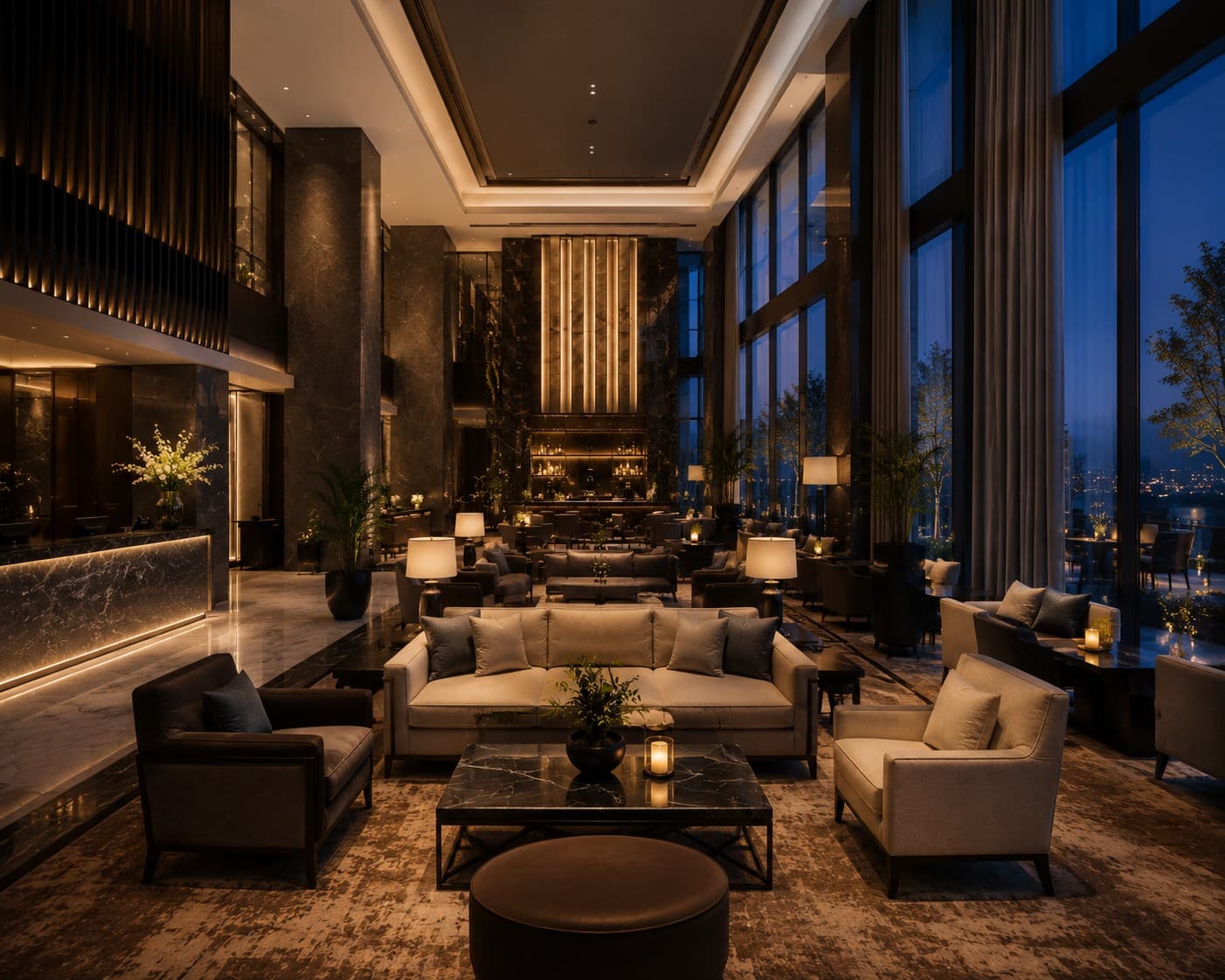
Most hotel Wi-Fi networks are designed and tested at 50–70% occupancy, because that's when the install happens and when it gets signed off. The network passes every test the installer runs. Then the hotel hits a sold-out weekend, and guests start complaining that Wi-Fi is "down" — when in reality, it's not down at all. It's overloaded.
The real cause: too few access points, not too little bandwidth
The most common mistake we see when auditing existing hotel networks isn't a bandwidth problem — internet circuits are usually oversized relative to what guests actually use. The problem is access point density. A single access point can comfortably serve 25–30 concurrent devices before performance degrades. At full occupancy, with two or three devices per guest (phone, laptop, tablet, streaming stick), a single AP covering an entire floor of 20 rooms is trying to serve 100+ devices at once.
The result isn't "no Wi-Fi" — it's Wi-Fi that connects, shows full signal bars, and then times out on every request. That's actually a harder problem for guests (and your front desk) to diagnose than an outright outage, because it looks like their device is broken, not the network.
What proper design actually accounts for
A guest Wi-Fi design built for 100% occupancy — not just for the install-day walkthrough — needs to account for:
- Device density per AP, not just square footage coverage. Coverage and capacity are different design problems, and most cheap installs only solve for coverage.
- Channel planning across adjacent rooms and floors, so neighbouring APs aren't fighting each other for airtime on the same channel.
- Band steering, pushing capable devices onto 5GHz to free up 2.4GHz for older devices and keep both bands usable.
- Guest network segmentation from back-of-house systems (PMS, POS, CCTV), so a saturated guest network never touches operational systems.
Why this matters beyond guest complaints
Slow or unreliable Wi-Fi shows up directly in review scores — "Wi-Fi" is one of the most commonly mentioned negative-review keywords in hospitality, and it's one of the few technical issues a guest will actually name in a public review. Fixing access point density isn't a nice-to-have infrastructure upgrade; it's a review-score and repeat-booking issue.
If your Wi-Fi works fine on a quiet Tuesday but falls over on a sold-out Saturday, that's not a random fault — it's a predictable capacity limit, and it's fixable with a proper site survey and AP density redesign rather than a full network rebuild.
Need this sorted for your business?
Pacific Technologies handles managed IT, Wi-Fi, cyber security and infrastructure for hospitality and business clients across the UK.
Get in touch